

Advanced IP Security Camera Installation: IP Camera Setup Insights

When it comes to securing your property, nothing beats the clarity and flexibility of an IP security camera system. Over the years, I’ve seen how these systems have evolved, becoming smarter and easier to install. If you’re considering upgrading your security or setting up a new system, understanding the ins and outs of advanced IP security camera installation is essential. Let me walk you through everything you need to know to get your cameras up and running smoothly.
Understanding IP Camera Setup Insights
IP cameras, or Internet Protocol cameras, are digital video cameras that send and receive data over a network. Unlike traditional analog cameras, IP cameras offer higher resolution, remote access, and easier integration with other smart devices. But setting them up requires a bit more know-how.
First, you need to decide on the type of IP camera that fits your needs. There are dome cameras, bullet cameras, PTZ (pan-tilt-zoom) cameras, and more. Each has its strengths depending on where you want to install it and what you want to monitor.
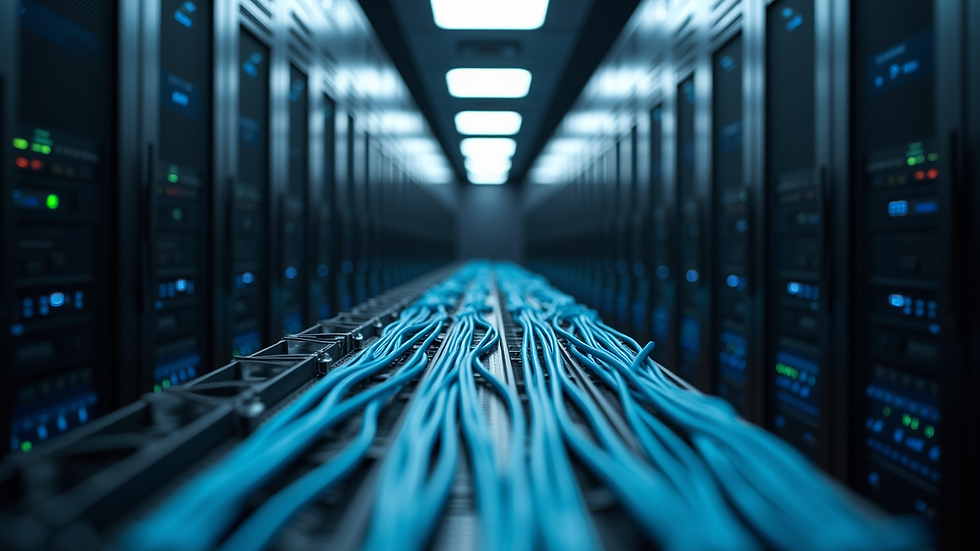
Next, consider the network infrastructure. IP cameras rely on your network to transmit video data. This means you need a reliable router, switches, and cabling that can handle the bandwidth. For businesses and homes alike, using Cat5e or Cat6 Ethernet cables is standard practice. These cables support high-speed data transfer and power over Ethernet (PoE), which simplifies installation by allowing both power and data to run through a single cable.
When planning your camera placement, think about coverage areas, lighting conditions, and potential obstructions. Mount cameras high enough to avoid tampering but low enough to capture clear images. Also, consider weatherproof models for outdoor use.

Do IP Cameras Need Wi-Fi?
This is a common question, and the answer depends on your setup. IP cameras can connect to your network either via Wi-Fi or Ethernet cables. Each method has its pros and cons.
Wi-Fi cameras offer flexibility. You can place them almost anywhere within your wireless network range without worrying about running cables. This is great for locations where wiring is difficult or unsightly. However, Wi-Fi connections can be less stable and more prone to interference, especially in busy environments or large buildings.
On the other hand, wired IP cameras provide a more reliable and consistent connection. Using Ethernet cables, especially with PoE, ensures your cameras have steady power and data transmission. This reduces the risk of dropped connections and video lag. For businesses or homes where security is critical, wired connections are often the preferred choice.
If you opt for Wi-Fi cameras, make sure your wireless network is strong and secure. Use a dedicated network for your cameras if possible, and keep your firmware updated to protect against vulnerabilities.
Essential Tools and Materials for Installation
Before you start your ip security camera installation, gather all the necessary tools and materials. Having everything ready will save you time and frustration.
Here’s a checklist of what you’ll need:
IP cameras (with mounting brackets)
PoE injector or PoE switch (if using PoE)
Ethernet cables (Cat5e or Cat6)
Drill and drill bits
Screwdrivers
Cable clips or conduit for cable management
Network video recorder (NVR) or compatible software
Ladder (for high placements)
Cable tester (to verify connections)
Network router or switch
When running cables, plan the routes carefully. Avoid running Ethernet cables parallel to electrical wiring to reduce interference. Use cable clips or conduits to keep cables neat and protected.
Configuring Your IP Cameras for Optimal Performance
Once your cameras are physically installed, it’s time to configure them. This step is crucial to ensure you get the best video quality and security.
Start by assigning static IP addresses to each camera. This prevents your cameras from changing IPs, which can cause connection issues. You can do this through your router’s settings or the camera’s web interface.
Next, adjust the camera settings:
Resolution: Set the highest resolution your network can handle without lag.
Frame rate: A higher frame rate means smoother video but requires more bandwidth.
Motion detection: Enable this to receive alerts when movement is detected.
Night vision: Test and adjust infrared settings for clear images in low light.
Privacy zones: Mask areas you don’t want to record, respecting privacy laws.
Don’t forget to secure your cameras by changing default passwords and enabling encryption if available. This protects your system from unauthorized access.

Maintaining Your IP Security Camera System
Installation is just the beginning. To keep your system running smoothly, regular maintenance is key.
Clean lenses: Dust and dirt can blur images. Use a soft cloth to clean lenses periodically.
Check connections: Inspect cables and mounts to ensure everything is secure.
Update firmware: Manufacturers release updates to fix bugs and improve security.
Test alerts: Regularly test motion detection and notification settings.
Review footage: Periodically check recorded video to ensure cameras are capturing correctly.
By staying on top of maintenance, you’ll extend the life of your system and keep your property well protected.
Taking the Next Step with Your Security Setup
Installing an advanced IP security camera system might seem daunting at first, but with the right approach, it’s manageable and rewarding. Whether you’re securing a business or a home, a well-planned setup provides peace of mind and valuable evidence if needed.
If you want a hassle-free experience, consider professional help for your ip security camera installation. Experts can design a system tailored to your needs, handle the wiring, and ensure everything works perfectly from day one.
Remember, a good security system is an investment in safety. Take your time, plan carefully, and enjoy the benefits of modern surveillance technology. Your property deserves nothing less.


Comments